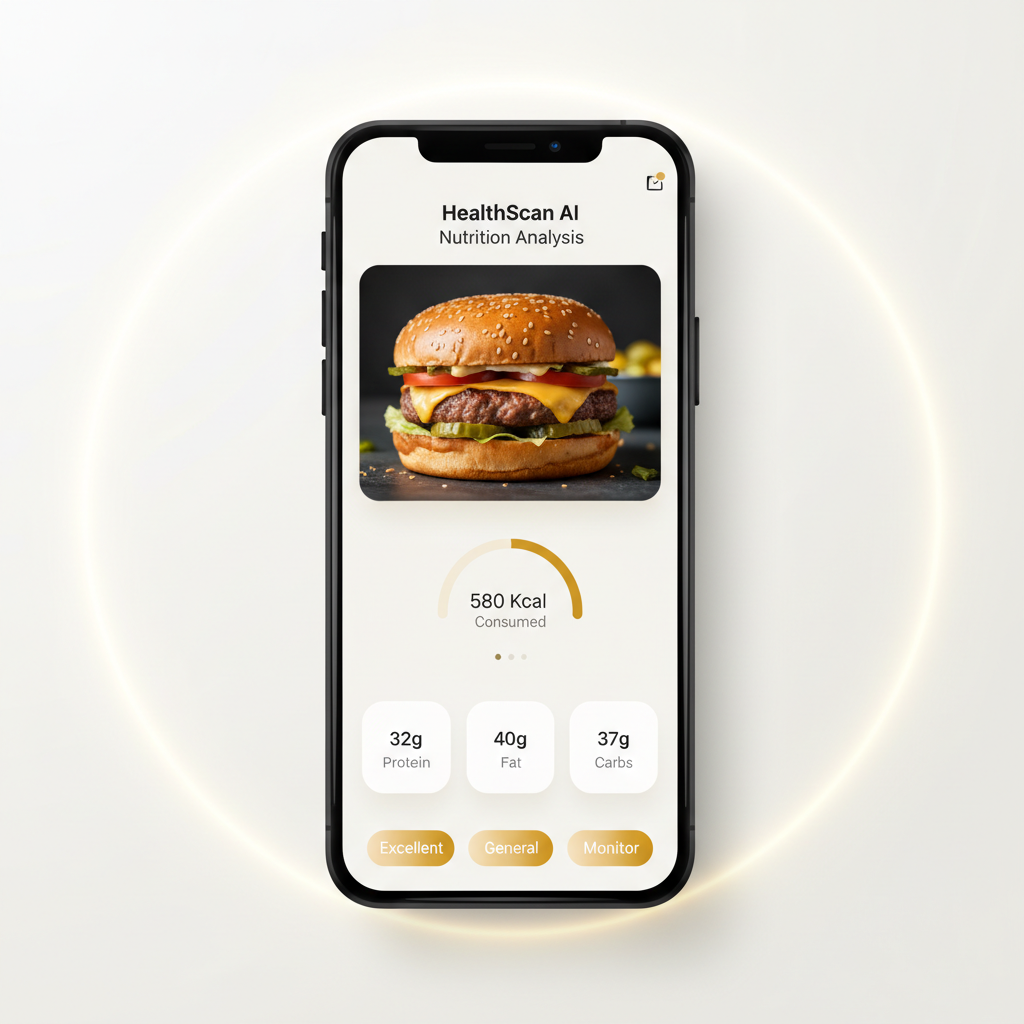
Type Naturally
Enter meals in your own words—"oatmeal with banana and almonds"—and let AI understand context, portions, and ingredients automatically.

Smart Input · Natural Language Food Entry
Log meals faster with CalBye's intelligent Text Food Logging. Type naturally—"grilled chicken breast 150g, brown rice 1 cup"—and let AI parse portions, match foods, and calculate nutrition instantly. No complex menus, no endless scrolling. Just fast, accurate food entry that adapts to how you actually describe meals. This feature helps you stay consistent with tracking, reduce logging friction, and keep nutrition goals on track—even on your busiest days.



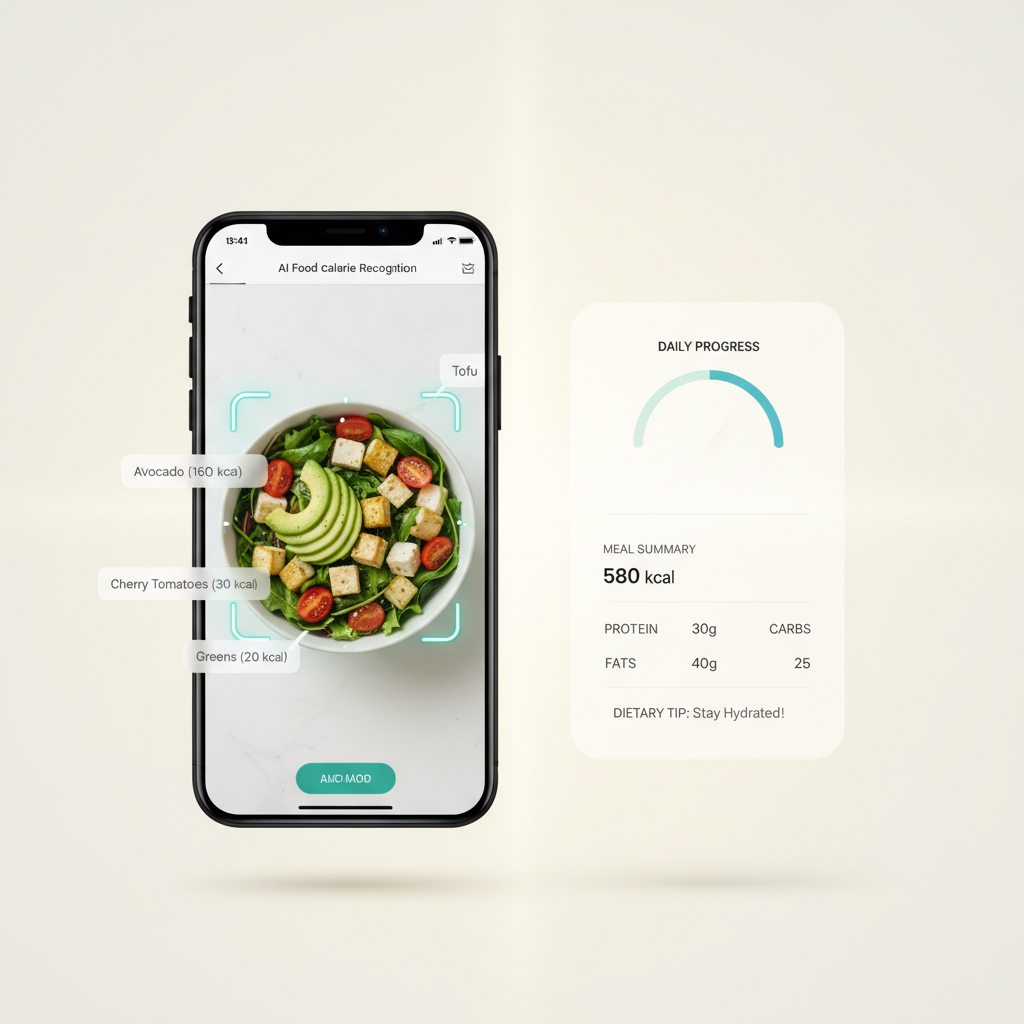
Enter meals in your own words—"oatmeal with banana and almonds"—and let AI understand context, portions, and ingredients automatically.
Review smart suggestions with verified nutrition data. Tap to confirm, or refine with one edit—no rebuilding entries from scratch.
Save your entry in seconds. Text Food Logging adapts to your pace, making consistent tracking feel effortless, not exhausting.
Feature Capabilities
Text Food Logging combines natural language processing, autocomplete intelligence, and a comprehensive food database to deliver fast, accurate logging—no photo required.
| Input Method | Type naturally, use autocomplete, or select from frequent foods |
|---|---|
| AI Processing | Parses portions, matches foods, and calculates macros instantly |
| Output | Verified calorie count + macro breakdown + editable entry |
| Key Benefit | Log meals 50% faster than manual search while maintaining accuracy |
When This Feature Shines
Whether you're at your desk, cooking at home, or grabbing a quick bite—log meals faster with intelligent text entry that understands you.
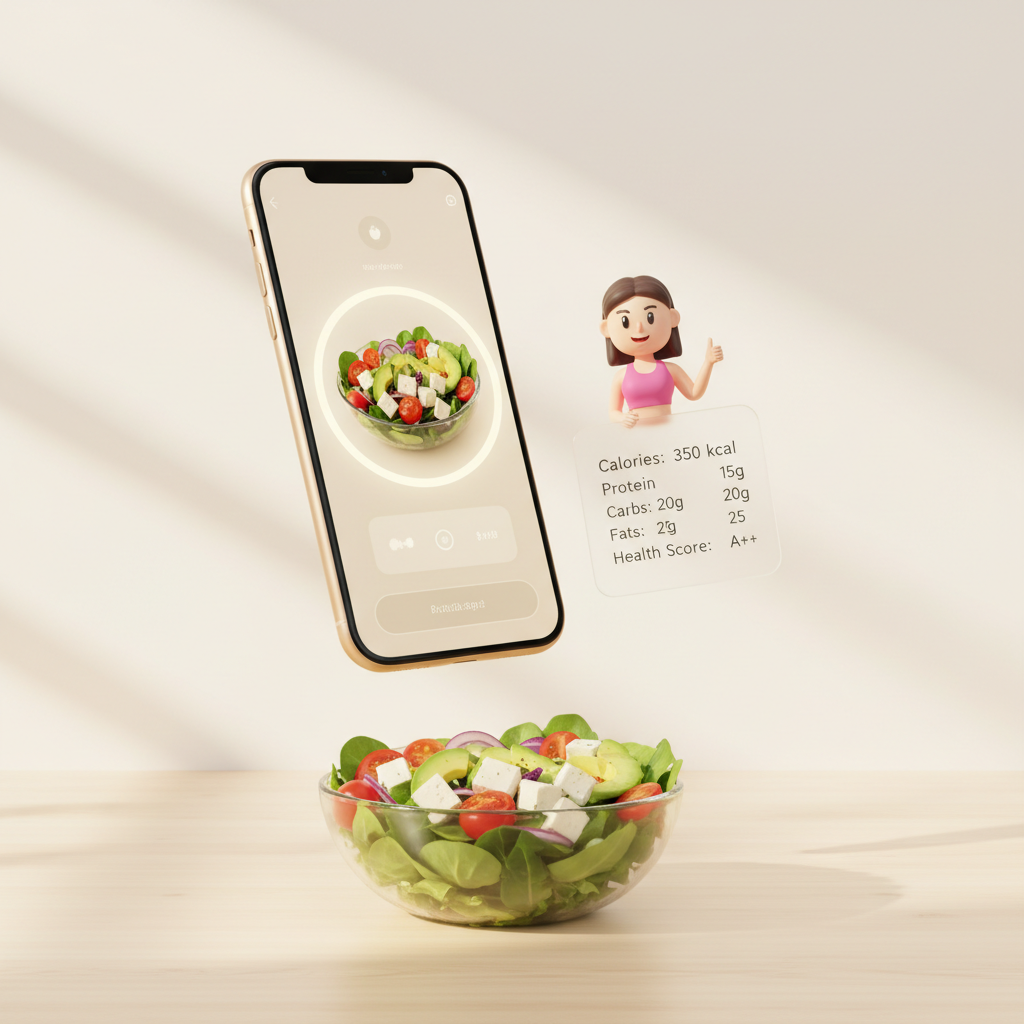
Type "lunch salad with chicken" and get instant matches. No photo setup, no barcode scanning—just fast, accurate logging between meetings.
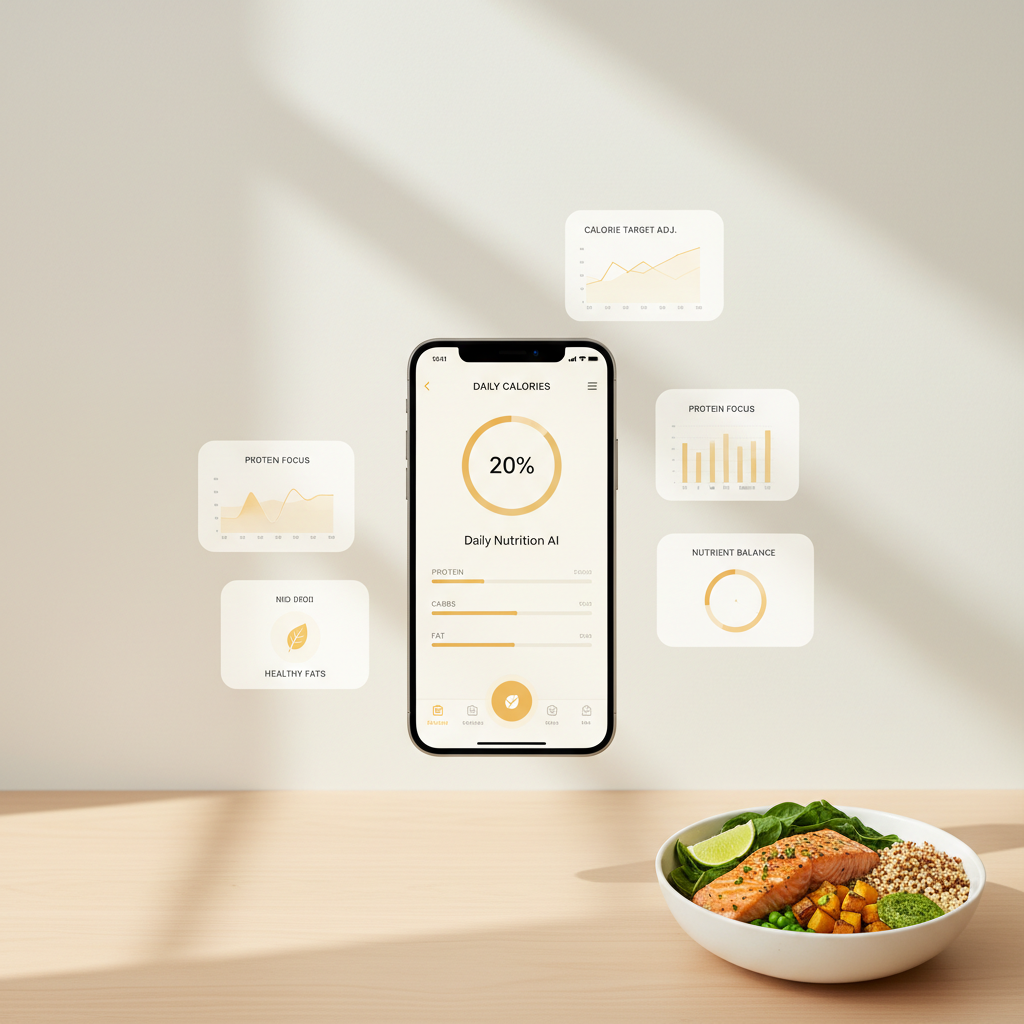
Enter ingredients naturally—"2 eggs, 1 slice whole wheat toast, avocado half"—and AI builds your meal entry with accurate macro totals.
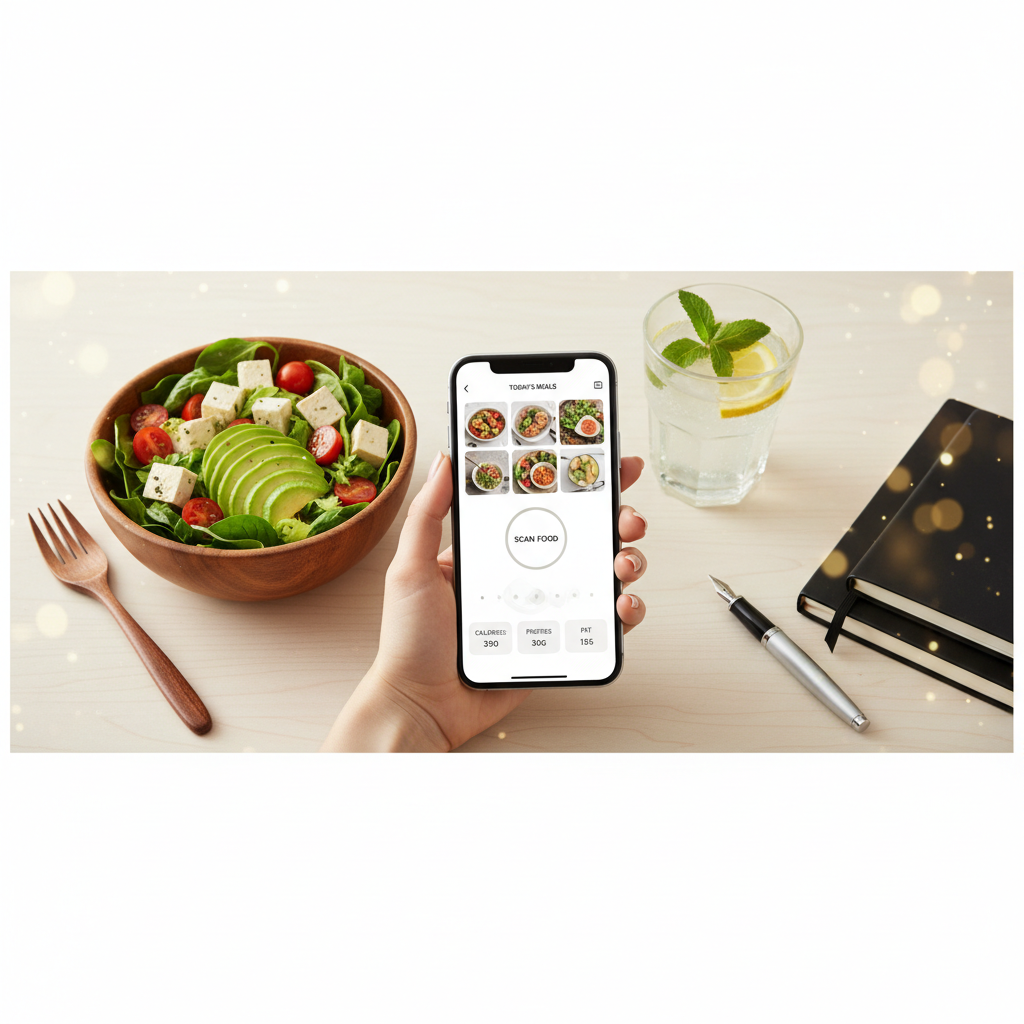
Quick access to frequent foods, smart autocomplete, and portion shortcuts mean you can log a snack in under 10 seconds—anywhere, anytime.
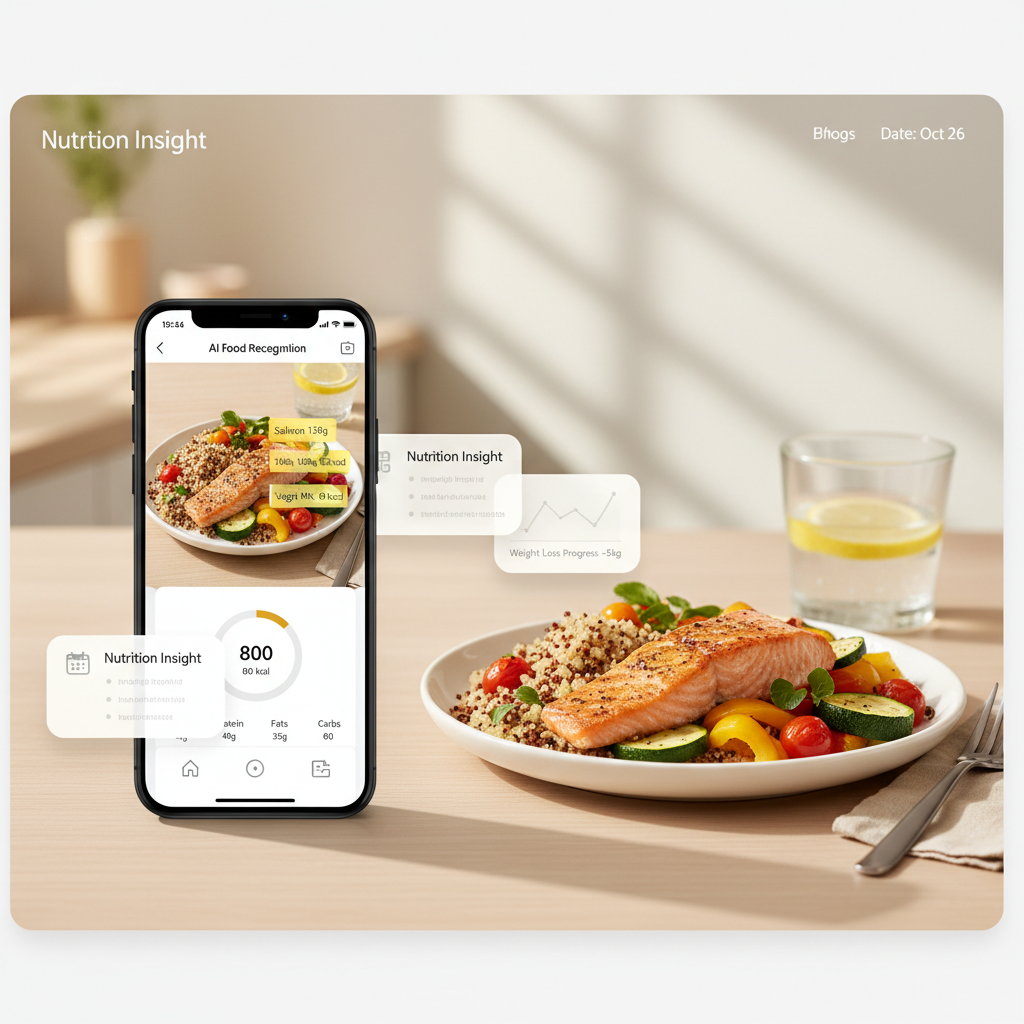
When logging feels easy, you stick with it. Text Food Logging removes barriers so you can maintain awareness without burnout.
Entry Method Comparison
Stop scrolling through endless results. Get precise matches faster with CalBye's AI-powered text entry.
| Method | Entry Speed | Match Accuracy | Learning Curve | Best For |
|---|---|---|---|---|
| Traditional database search | Slow | Variable | High | Users comfortable with manual validation |
| Basic food tracker input | Medium | Medium | Medium | Simple logging with limited food variety |
| CalBye Text Food Logging | ⚡ Fast | 🎯 High | ✅ None | Anyone who wants speed + accuracy + natural input |
Why It Matters
Text Food Logging eliminates the friction of traditional food search. Type naturally, get instant results, and keep your nutrition goals on track—without the hassle.
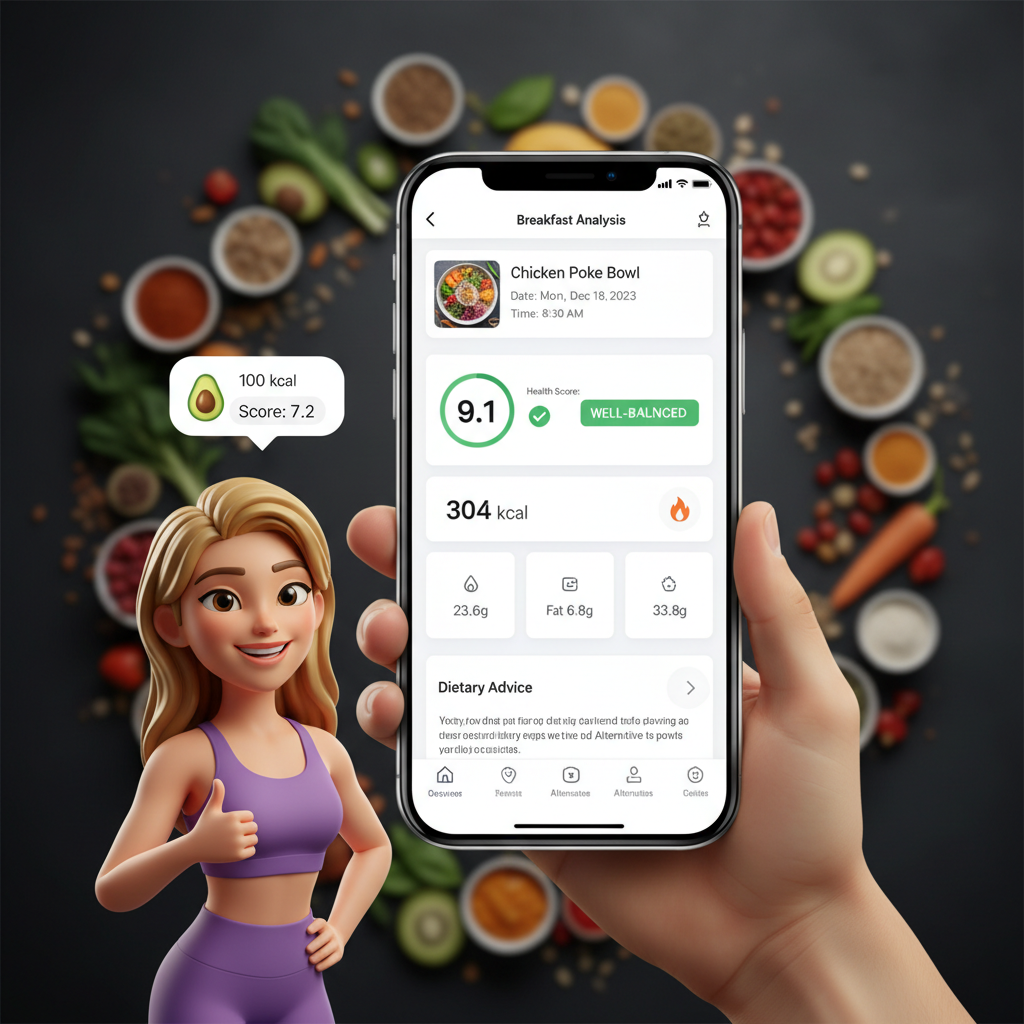
User Feedback
Real feedback focused on entry speed, match accuracy, and logging consistency.

I don't have time to scroll through search results. Typing "turkey wrap, side salad" and getting instant matches keeps my tracking consistent—even on crazy days.

I cook from scratch, so I type ingredients naturally. AI parses portions and builds the entry automatically. Way faster than searching each item separately.

The smart suggestions as I type cut my logging time in half. I actually look forward to tracking now because it's so quick and intuitive.
Entry Workflow Upgrade


FAQ
Type meals in your own words—"grilled salmon 150g with quinoa and broccoli"—and our AI parses ingredients, portions, and preparation methods. It then matches against our verified food database to deliver accurate calorie and macro estimates instantly.
You always have full control. If a suggestion isn't quite right, tap to edit the portion, swap the food match, or create a custom entry. Your adjustments help improve future suggestions for you.
Yes! Enter components naturally—"chicken stir fry with rice and veggies"—and AI will suggest likely ingredient breakdowns. You can refine any detail to match your actual preparation.
Absolutely. CalBye supports multiple entry methods. Use text when it's fastest, photo when convenient, or barcode for packaged foods—all sync to the same nutrition profile.
Try Text Food Logging
Download CalBye and experience AI-powered food logging that understands natural language. Type naturally, get instant results, and stay consistent with your nutrition goals.