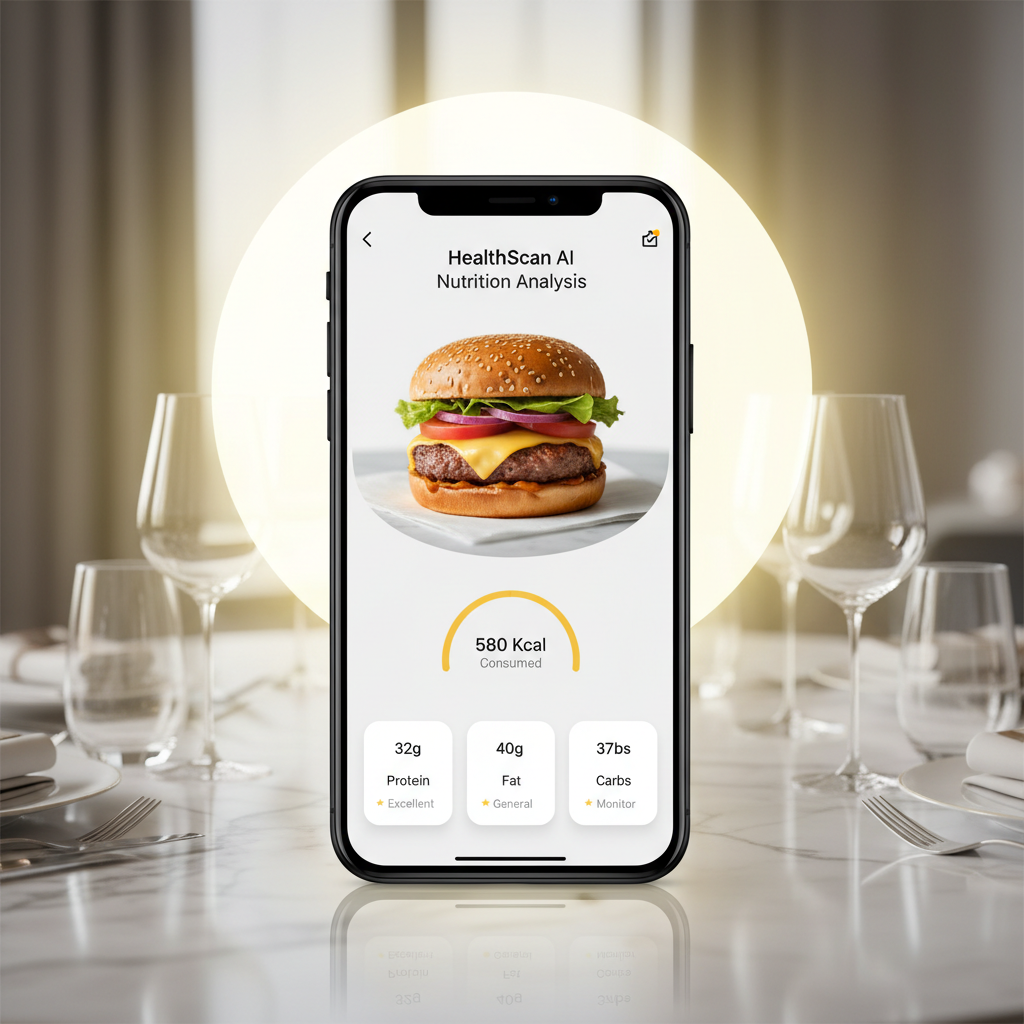
Snap your meal in CalBye
Open CalBye, capture your dish, and let our Nutrition Snapshot feature start from your photo—not a blank search bar.

AI nutrition workflow · Powered by CalBye
CalBye's Nutrition Snapshot feature gives you a faster way to turn meal photos into actionable calorie and macro estimates. Instead of interrupting your flow with manual searches, simply capture your meal in CalBye, review instant nutrition insights, and keep food tracking aligned with your everyday routine.




Open CalBye, capture your dish, and let our Nutrition Snapshot feature start from your photo—not a blank search bar.
Check estimated calories, macros, and likely food matches. CalBye's Nutrition Snapshot delivers a smart first draft for effortless logging.
Fine-tune portions when needed, save your entry, and use CalBye's lightweight Nutrition Snapshot workflow as a sustainable habit—not a nutrition chore.
What CalBye's Nutrition Snapshot delivers
CalBye's Nutrition Snapshot helps you log faster, review calories and macros with less friction, and keep nutrition tracking aligned with your daily routine.
| Your action | Take a meal photo or upload an existing image in CalBye |
|---|---|
| What CalBye returns | Likely food matches, estimated calories, and a clear nutrition summary powered by AI |
| Why it helps | Reduces logging friction and makes daily nutrition review easier to sustain |
| Best for | Anyone who wants CalBye's Nutrition Snapshot to feel faster than manual search—while keeping full control to edit entries |
Where CalBye's Nutrition Snapshot shines
Presented as a lightweight feature within CalBye, Nutrition Snapshot helps you log faster, review nutrition details more clearly, and stay consistent with daily tracking—without the hassle.

When meals change daily, CalBye's Nutrition Snapshot offers a quick first pass: snap a photo, review the estimate, and save—no manual searching required.
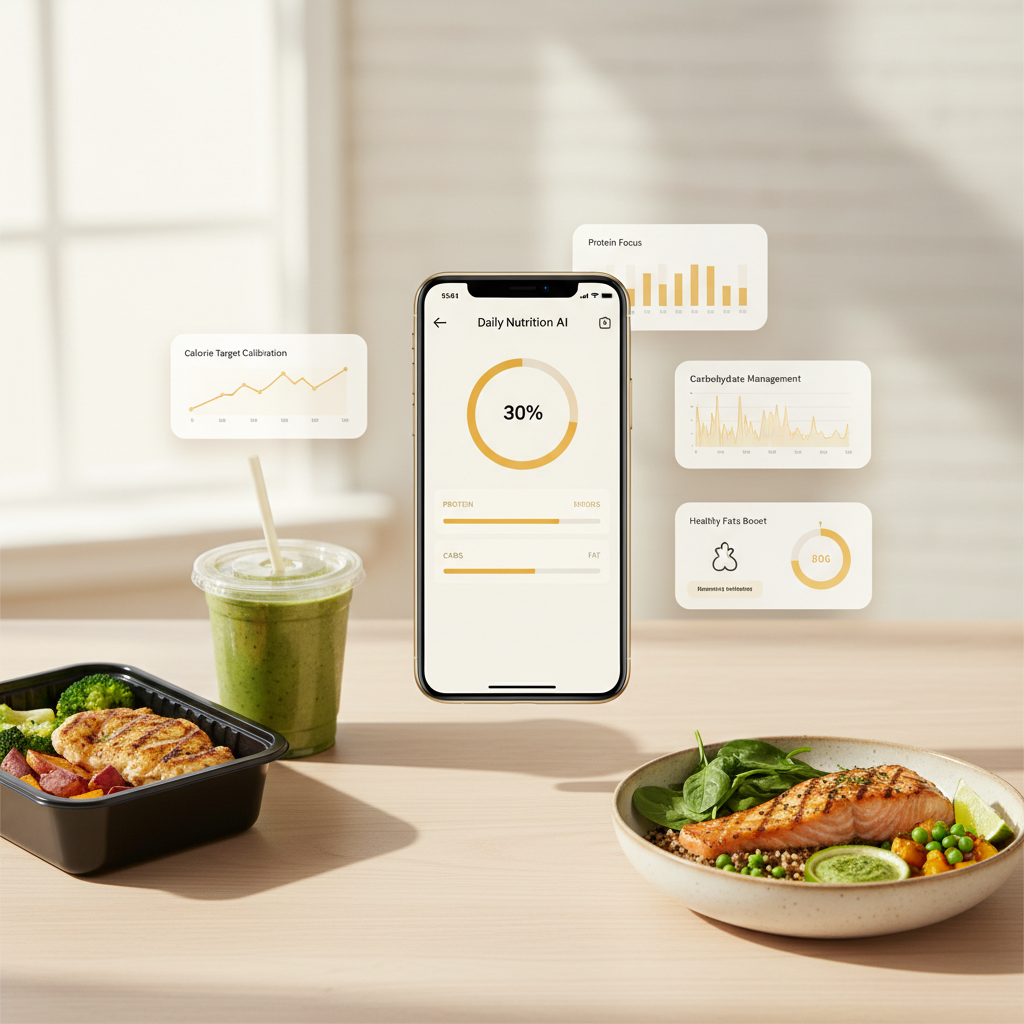
Skip the manual ingredient hunt. CalBye's Nutrition Snapshot surfaces calories, protein, carbs, and fat upfront—helping you make more consistent choices.

CalBye's Nutrition Snapshot isn't about perfection—it's about making food logging light enough that you keep returning, even when life gets messy.
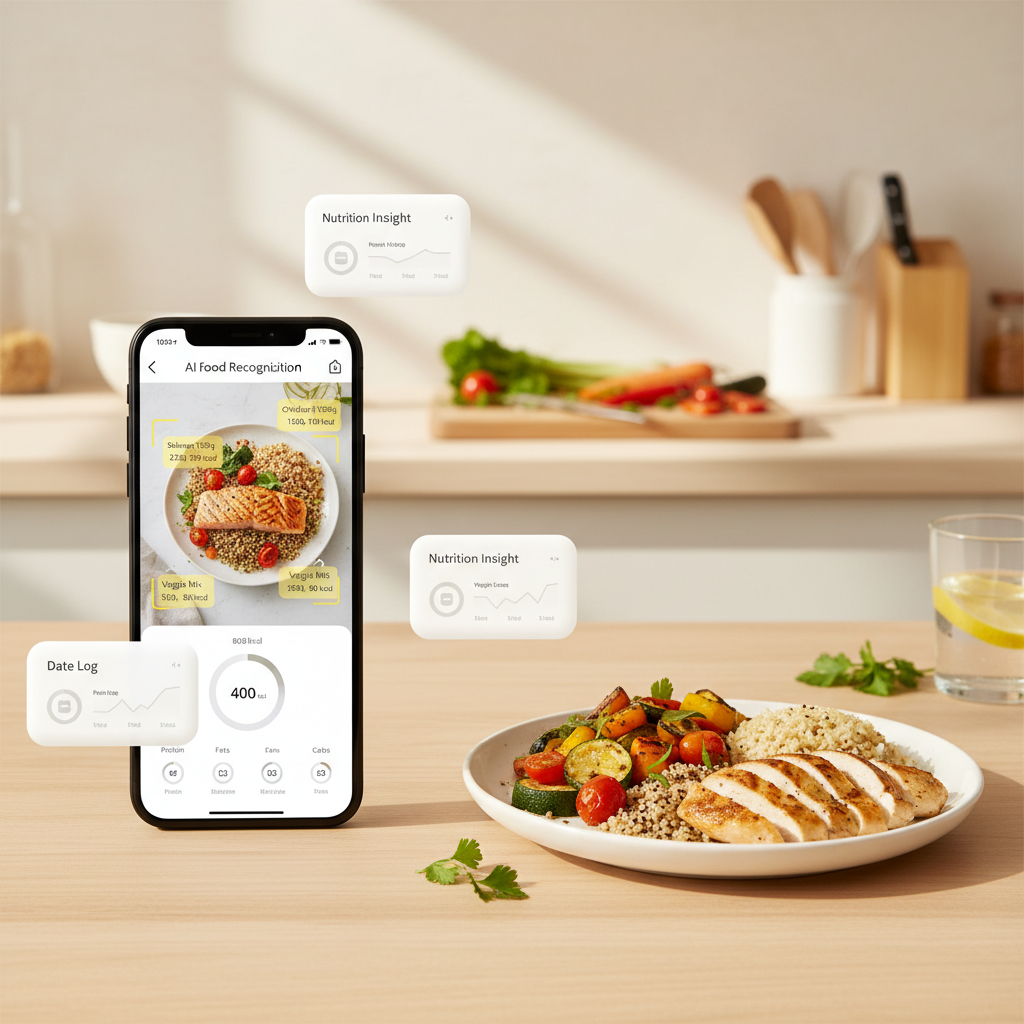
Over time, CalBye's Nutrition Snapshot helps you review intake trends, spot calorie habits, and maintain awareness—without pretending every estimate is exact.
Why choose CalBye
Use CalBye's photo-first workflow to save time—while keeping manual review available for mixed dishes and unclear portions.
| Method | Speed | Effort | Nutrition visibility | Best for |
|---|---|---|---|---|
| Manual food search | Slower | Higher | Medium | Users who prefer building entries ingredient by ingredient |
| Generic calorie trackers | Medium | Medium | Medium | Basic logging when speed matters somewhat |
| CalBye Nutrition Snapshot | ⚡ Fast | ✅ Lower | 🔍 Clear | Anyone who wants to start with a photo—and still refine details when needed |
Why it matters in daily use
Designed as a lightweight feature within CalBye, Nutrition Snapshot helps you log faster, review nutrition details more clearly, and stay consistent with your health goals. Try it today to turn food photos into instant calorie and macro insights.

Real user perspectives
These reactions focus on speed, clarity, and repeatability—no exaggerated claims, just real-world usability.

CalBye's Nutrition Snapshot helps most when I can snap lunch, review the estimate, fix one thing if needed, and move on. It just fits my flow.

CalBye's Nutrition Snapshot lowers the effort barrier. I still edit complicated meals, but I actually stick with tracking because it starts with a photo—not a form.

What I like about CalBye isn't magic accuracy claims—it's that Nutrition Snapshot gives me a clearer picture fast enough that I stay engaged with my goals.
Workflow shift


FAQ
Simply take or upload a meal photo in CalBye. Our AI suggests likely foods, estimated calories, and macro context—giving you a faster, smarter starting point for logging.
No—it works best as a speed layer. You can still adjust portions, ingredients, or complex dishes anytime. CalBye puts you in control, with AI as your assistant.
Reduced friction. A faster first draft makes it easier to log more meals, review intake patterns, and keep nutrition tracking aligned with your real-life habits.
Yes—as a practical routine tool. It helps you capture meals faster and review patterns more often. Just remember: estimates are general guidance, not medical advice.
Try it in CalBye today
Experience CalBye's Nutrition Snapshot: turn food photos into instant calorie and macro insights. Download now and log smarter.